Features
Metadata
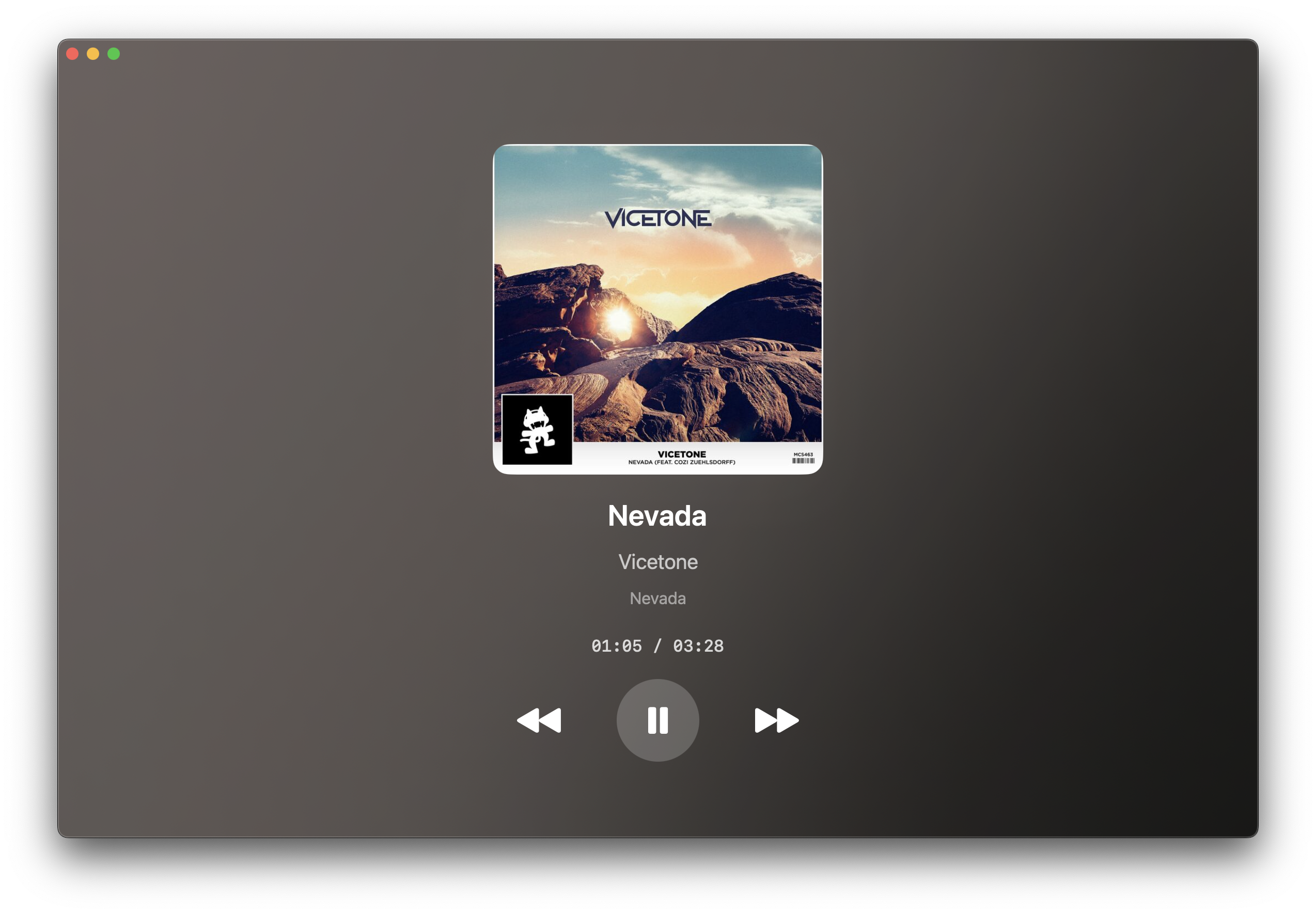
Displays song title, artist, and high-res album art.
Live Progress
Shows a real-time playback progress timer that updates every second.
Adaptive UI
Beautiful, modern interface with a blurred gradient that matches the album art.
Controls
System-wide playback controls (Play/Pause, Next, Previous).
Supported Players
- Apple Music - Native support.
- Spotify - Native support (requires internet for art).
- Foobar2000 - Requires component.
Foobar2000 Users: You need to install a specific component for metadata caching.
Get the component here.
Installation & Setup
1. Install the App
Download the Now-Playing.dmg from the latest release, open it, and drag the app into your
Applications folder.
2. Grant Permissions
On the first run, macOS will ask for Accessibility and Automations permissions. You must approve these for the app to detect media.
⚠️ "App is Damaged" or "Unidentified Developer" Error?
Since I am not a registered Apple Developer, macOS will flag the app. To fix this:
Since I am not a registered Apple Developer, macOS will flag the app. To fix this:
- Click OK to close the popup.
- Open System Settings > Privacy & Security.
- Scroll down to the Security section and click Open Anyway.
- Confirm your choice when prompted.
License
Now Playing is available under the GPL-3.0 license. Built entirely in SwiftUI.